Product
What is an AI interview copilot?
A plain definition of an AI interview copilot: what it captures, how it differs from a chat assistant, where employers allow it, and what a good one should not do.
Matthew M
7 min read

An AI interview copilot is software that listens to or reads an interview question and gives you a suggested approach while you prepare or while the session runs. It is not a person and it does not take the interview for you. You still decide what to say, and you speak or type every answer yourself.
What does an AI interview copilot actually do?
The word copilot is borrowed from aviation. The pilot flies and the copilot supports. In interviews, the candidate answers and the software supports. It takes in the question, adds what it knows about you and the role, and returns a draft shape for an answer: an outline, a reminder of which story fits, a first approach to a coding problem, a list of components for a design.
Most tools in the category do some mix of four jobs.
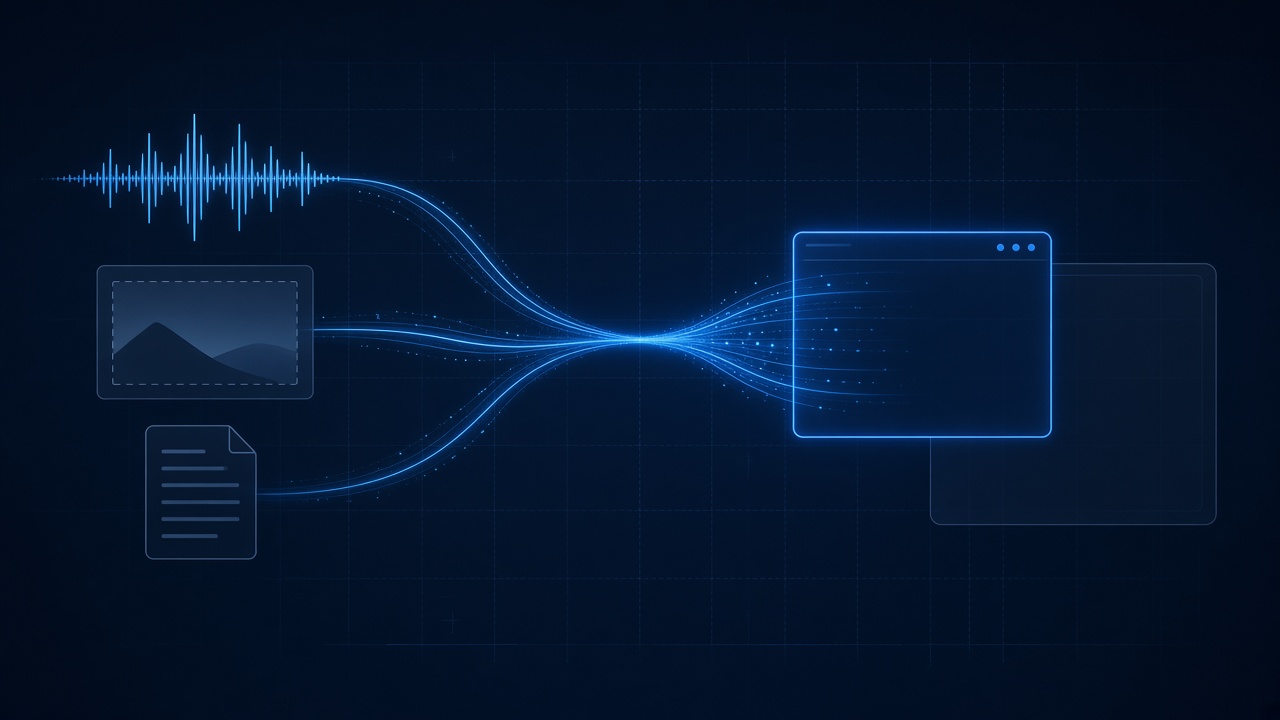
- Capture the question, either from system audio (the interviewer's voice, turned into a rolling transcript) or from a region of the screen (a coding prompt, a diagram requirement).
- Hold your context: resume, job description, the role, the language you code in.
- Generate a response in a chosen style, for example a short conversational reply, a STAR outline, or a hint that points without finishing the thought.
- Show the result in a window next to the call so you can glance at it, instead of in a chat tab you have to switch to.
None of that replaces knowing the material. A suggested outline for a failure story is useless if you have no failure story. The software shortens the gap between what you know and what comes out of your mouth under pressure. That gap is real, and it is the reason people use these tools. If you want the mechanism in more detail, how AI interview tools actually work walks through the audio, screen and window layers.
How is a copilot different from ChatGPT in another tab?
A general chat assistant can do many of the same things if you paste in the question. Three practical differences explain why a purpose-built copilot exists.
- Capture. A chat tab needs you to type or paste the question. By the time you have, the silence has been noticeable for several seconds. A copilot reads the transcript or a screen region directly.
- Context. A copilot keeps your resume and the job description attached, so an answer cites your own work rather than a generic example. In a chat tab you re-paste that every time.
- Placement. A copilot lives in a small window you can position beside the video call, and a good one is skipped by screen share. A browser tab is something you switch to, and tab switching is often what interviewers notice.
A chat assistant is still a fine tool for practice away from the call: drafting stories, asking for a mock question, checking a complexity claim. The copilot category is about the live minute, not the week before.
What are the main types of interview copilot?
The category splits along two lines. The first is when the tool is used. The second is what it is built to help with.
Live help versus mock practice
Live help runs while the interview or assessment is happening. Mock practice runs before it, with the software acting as the interviewer, asking questions, listening, and scoring. Many products offer both. They carry different ethical weight, which the next section covers, and the mock versus live comparison explains how each behaves in practice.
Which part of the interview it targets
Interviews ask for different kinds of thinking, and a tool tuned for one can be poor at another. URHIRED AI separates four surfaces: Verbal for spoken questions, Live coding for problems in a shared editor, System design for architecture rounds, and Project for walking through your own work. The split exists because a good coding hint and a good behavioral outline look nothing alike.
Is it allowed?
That depends entirely on the employer and the round. Practice before the call is generally treated as fine. Using a tool while the interviewer is asking questions is generally not allowed unless the employer says that round permits it. Anthropic's candidate guidance, which we read on 21 October 2026, says live interviews are "all you" with no AI assistance unless they indicate otherwise. Datadog's guidelines, read the same day, add that some engineering roles run an AI-assisted coding interview and tell candidates in advance.
Our own position is in where we stand on AI in interviews, and the longer question is covered in is using an AI interview copilot cheating. The short version: follow the rules of the process, disclose if it is required, and make sure the words are yours.
What should an interview copilot not do?
A tool can fail you in ways that have nothing to do with ethics. Be wary of any copilot that:
- Promises you cannot be detected. No tool can guarantee that against dedicated proctoring software, and a vendor that says otherwise is selling certainty it does not have.
- Produces a full script to read aloud. Reading a paragraph is audible, and it falls apart at the first follow-up.
- Hides what it sends where. Audio and screen content go to a model, so look for a clear statement of what is captured and when.
- Is vague about its limits. Documentation should say where the tool's behaviour ends.
What does URHIRED AI do specifically?
URHIRED AI is a desktop app for macOS and Windows. It works in live sessions and in mock practice. You compose a setup once, with your role, job description and interview types, and reuse it for each round in a loop. Answers come in five styles: Conversational, Hints, Structured, STAR and Explain. Hints nudges you toward the answer without writing it out, which is the style we recommend for practice.
On a live call the overlay is skipped by screen share, so a shared screen shows the call and not the window. You can confirm this in a preview before the real round. It does not make you invisible to dedicated proctoring software, and we do not claim it does. The security page says what is captured and what the window does and does not hide.
The free plan includes 15 session minutes a day with no credit card. Scored mock interviews need a paid plan. Current prices are on the pricing page, and the interview copilot overview lists every surface.
When does a copilot help, and when does it get in the way?
It helps most in three situations. You know the material but freeze when observed. You are returning after a long gap and have lost the vocabulary for your own experience. Or you lose time to organisation, deciding how to structure an answer, when your attention should be on the content.
It gets in the way when you lean on it before you have done the thinking. Candidates who read the suggestion, then say it flatly, tend to sound worse than candidates who glance at it and answer in their own words. The better habit is to practice with Hints on, so the structure is familiar and the live minute needs less of it. Why you freeze in interviews covers the cause in more detail.
Where to go next
- Try a practice loop first: verbal interview practice takes about ten minutes.
- Read the FAQ for answers on setup, platforms and billing.
- When you are ready, download the app and run a mock before any real round.
Frequently asked questions
What is an AI interview copilot?
An AI interview copilot is software that takes in an interview question, from audio or a screen region, and returns a suggested approach in a small window while you prepare or while a session runs. It supports you but does not answer for you. You still speak or type every answer yourself.
Is an AI interview copilot the same as ChatGPT?
No. A chat assistant waits for you to type or paste a question. A copilot captures the question from system audio or the screen, keeps your resume and job description attached, and shows the answer in a window beside the call. The underlying models can be similar. The workflow around them is the difference.
Can an AI interview copilot be used for practice only?
Yes. Many people use one only for mock interviews, where the software asks the questions, listens and scores the answer. Practice before a call is generally treated as acceptable by employers that publish AI rules. URHIRED AI supports both mock practice and live sessions, and mocks need a paid plan.
Does a copilot work on Zoom, Meet and Teams?
Capture works at the operating system level, from system audio and screen regions, so it does not depend on the meeting app. URHIRED AI runs on macOS and Windows. Browser-based assessment platforms differ by product, so test your setup in a preview before the round.
Can interviewers tell you are using an AI interview copilot?
We cannot promise they cannot. The URHIRED AI overlay is skipped by screen share, but that does not hide it from dedicated proctoring software, and a recited answer sounds recited. Use it to prepare, follow each employer's stated rules, and say every answer in your own words.