
Updates
URHIRED.AI checks for new versions but never installs one behind your back.
How it works
About a minute after launch, the app checks once whether a newer version exists. If one does, you get a notification, and home or Settings may recommend the update. Downloads are never automatic and installing always requires you to restart deliberately. If you quit while a download is in progress, the app warns you first.
Updating manually
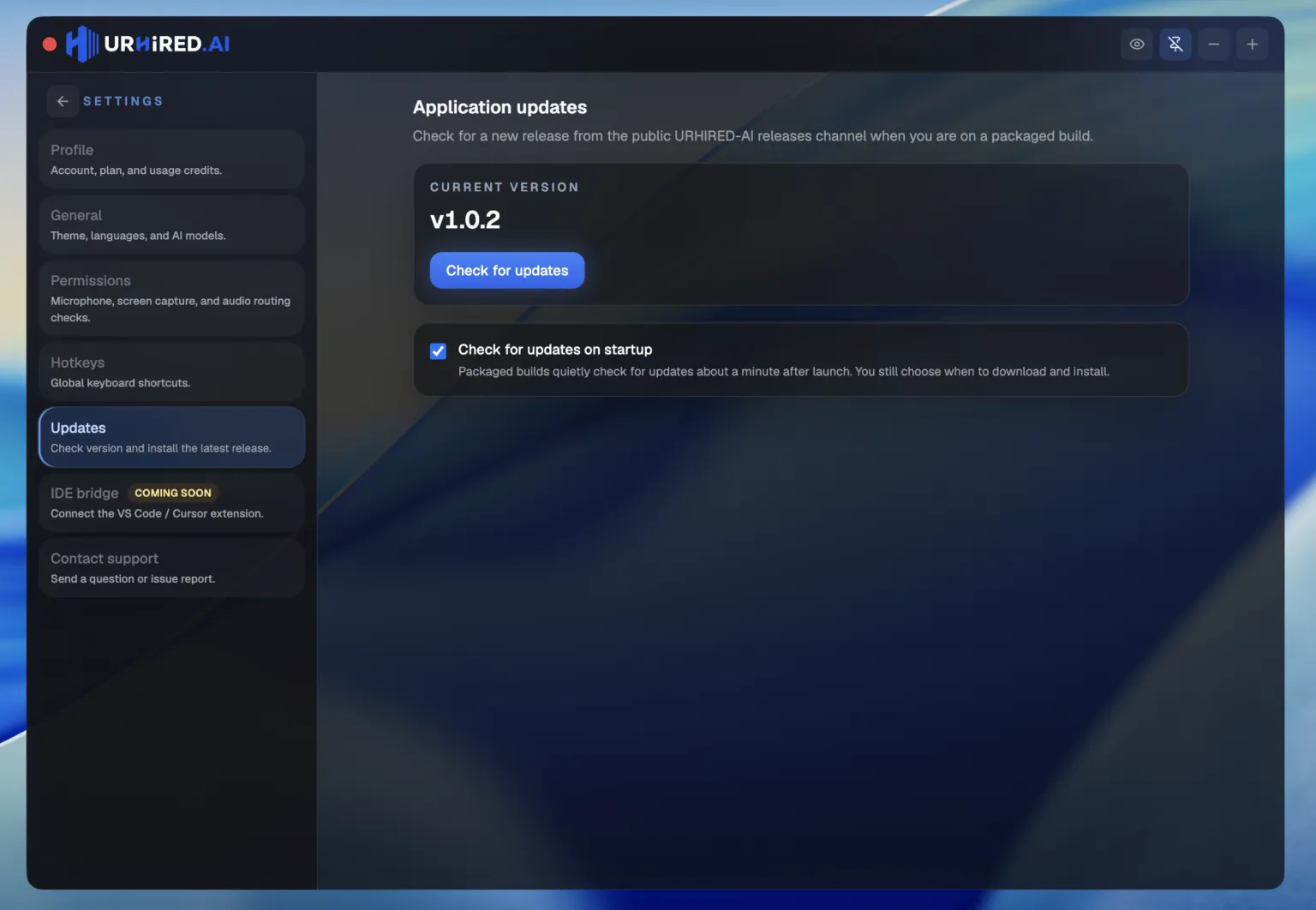
Open Settings → Updates, then Check → Download → Restart and install.
Turning the check off
Uncheck Check for updates on startup in the same tab.
Do not update on interview day
Nothing about the update is risky, but restarting the app an hour before a round means re-checking permissions you already confirmed. Update between interviews, not before one.